How to Compress a Video for WhatsApp or Email, Free
To compress a video for WhatsApp or email, open Compress video, add the video, choose Target size and pick WhatsApp or Email, then click Compress video. The tool picks the right resolution and bitrate so the file fits, and shows the estimated size before you start. Everything runs in your browser: the video is never uploaded.
How to compress a video, step by step
- Add your video. MP4, MOV (iPhone), WebM and MKV are accepted. It plays in the page so you can check it's the right one.
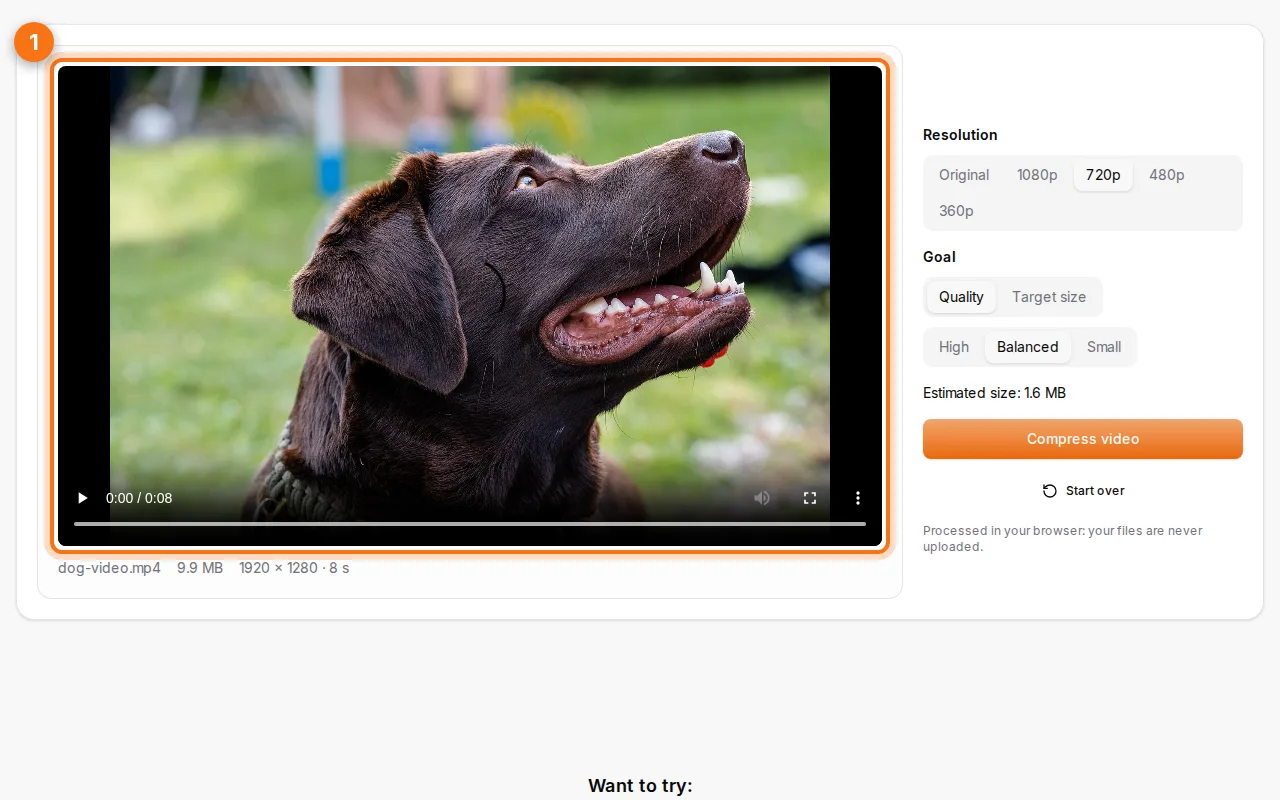
- Choose the goal. Target size makes the file fit a limit (WhatsApp, Email, Discord or a custom size). Quality keeps a chosen quality level (High, Balanced, Small) and lets the size follow. You can also lower the resolution and remove the sound.
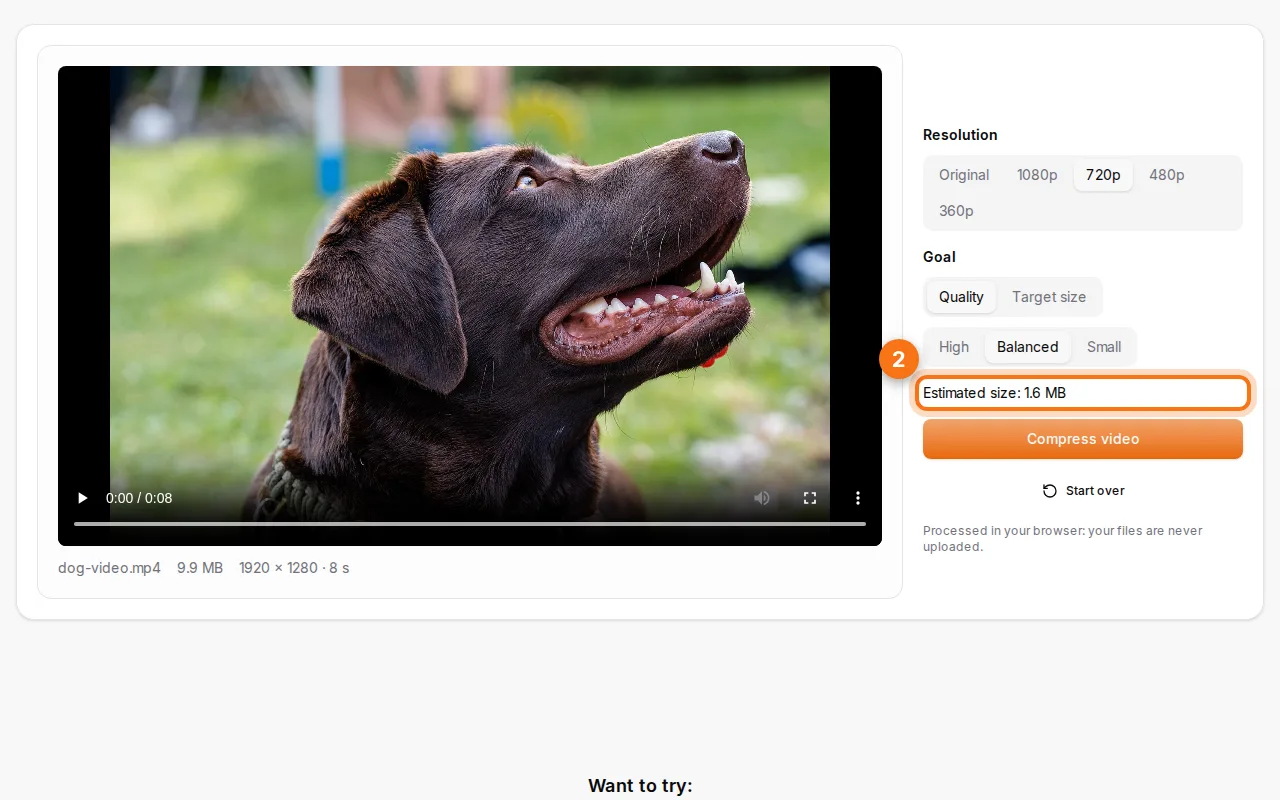
- Compress and download. A progress bar shows the work. When it's done, download the video and check it plays.
Size limits to remember
| Where | Limit (approx.) | Tip |
|---|---|---|
| WhatsApp (as video) | 16 MB for best results | Or send it as a document (up to 2 GB) to keep quality |
| Gmail / Outlook attachment | 25 MB / 20 MB | Larger files become a link |
| Discord (free) | 10 MB | Lower the resolution to 720p |
| Online forms | Often 5–20 MB | Check the form's limit and use a custom size |
How to keep the best quality
- Lower the resolution before the quality: a 1080p video watched on a phone looks almost the same in 720p, at about half the size.
- Short videos keep more quality at the same target size: trim what you don't need.
- Remove the sound if it's not needed (a screen recording, for example): it saves space.
- Target size on long videos: a 10-minute video can't fit 16 MB in good quality. Send it as a link or split it.
Why in the browser?
Videos are big and often personal. Uploading a 500 MB video to an online compressor takes long and hands your video to a stranger. Fildok uses your browser's own video encoder (the one it uses for video calls), so nothing is sent and there's no upload wait. It needs a recent Chrome, Edge, Safari (17+) or Firefox (130+).
FAQ
Is there a size limit?
Only your device's memory. Very long 4K videos are better compressed on a computer than on a phone.
Which format do I get?
MP4 (H.264 video, AAC audio), which plays on every phone, computer and messaging app. On the rare browsers that can't encode MP4, you get a WebM file (VP9 and Opus) instead.
Does it work on iPhone?
Yes, in Safari 17 or later. Choose the video from your library.
Can I compress other files for email?
Yes: photos with Compress images, PDFs with Compress PDF, and Word, Excel or PowerPoint files with Compress Office files.