How to Check if an Image Is AI-Generated (2026)
To check if an image is AI-generated, open the AI image checker and add the picture. It reads the provenance information the file carries: signed Content Credentials (C2PA), the AI tags that generators write, and the settings some AI tools leave behind. It can also scan for an invisible TrustMark watermark. You get a plain-language answer such as "Its Content Credentials say it was created with AI", with who signed it and when.
One thing to know up front: finding nothing doesn't prove a person made the picture. This guide explains what the checker can prove, what it can't, and how to combine it with other checks.
How to check an image, step by step
- Choose the image. JPG, PNG, WebP, AVIF and HEIC are accepted. The file is read in your browser.
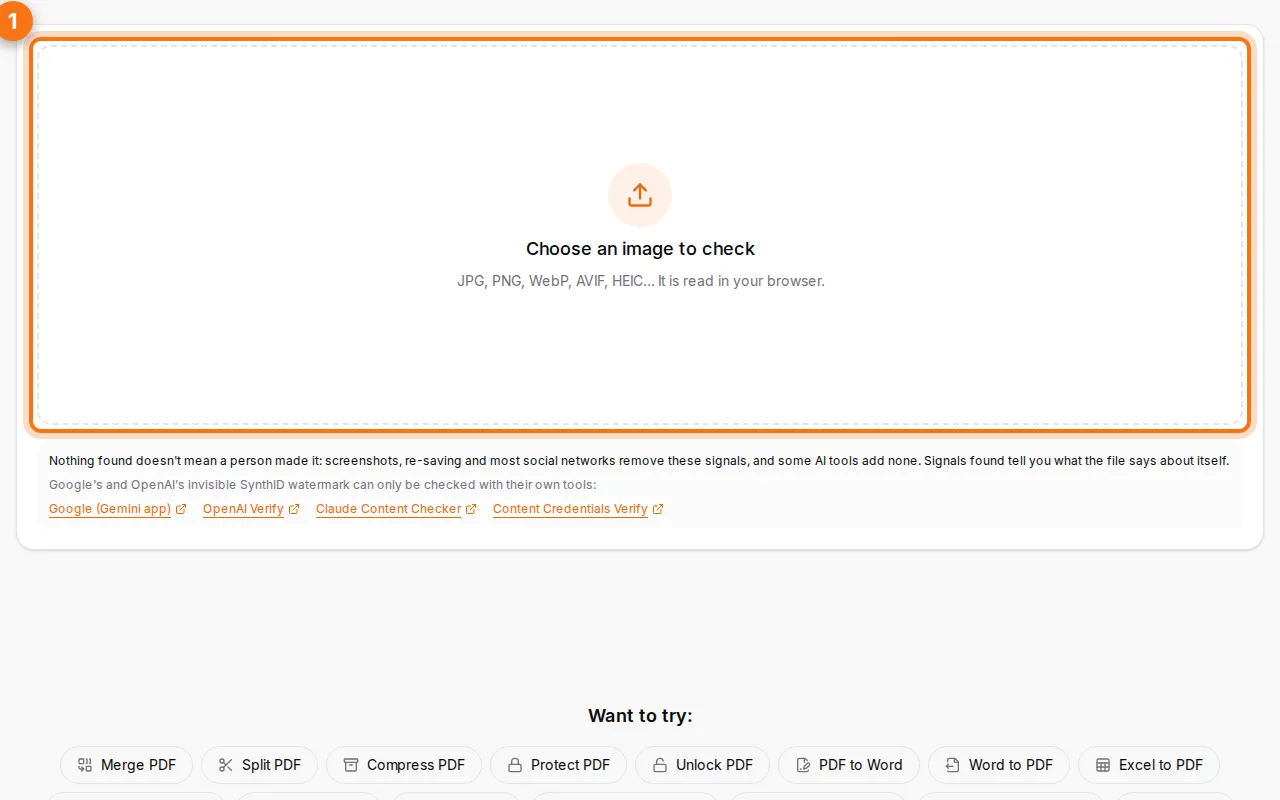
- Read the verdict. The headline sums up what the file says about its origin: created with AI, edited with AI, signed without mentioning AI, tagged as AI (unsigned), or nothing found.
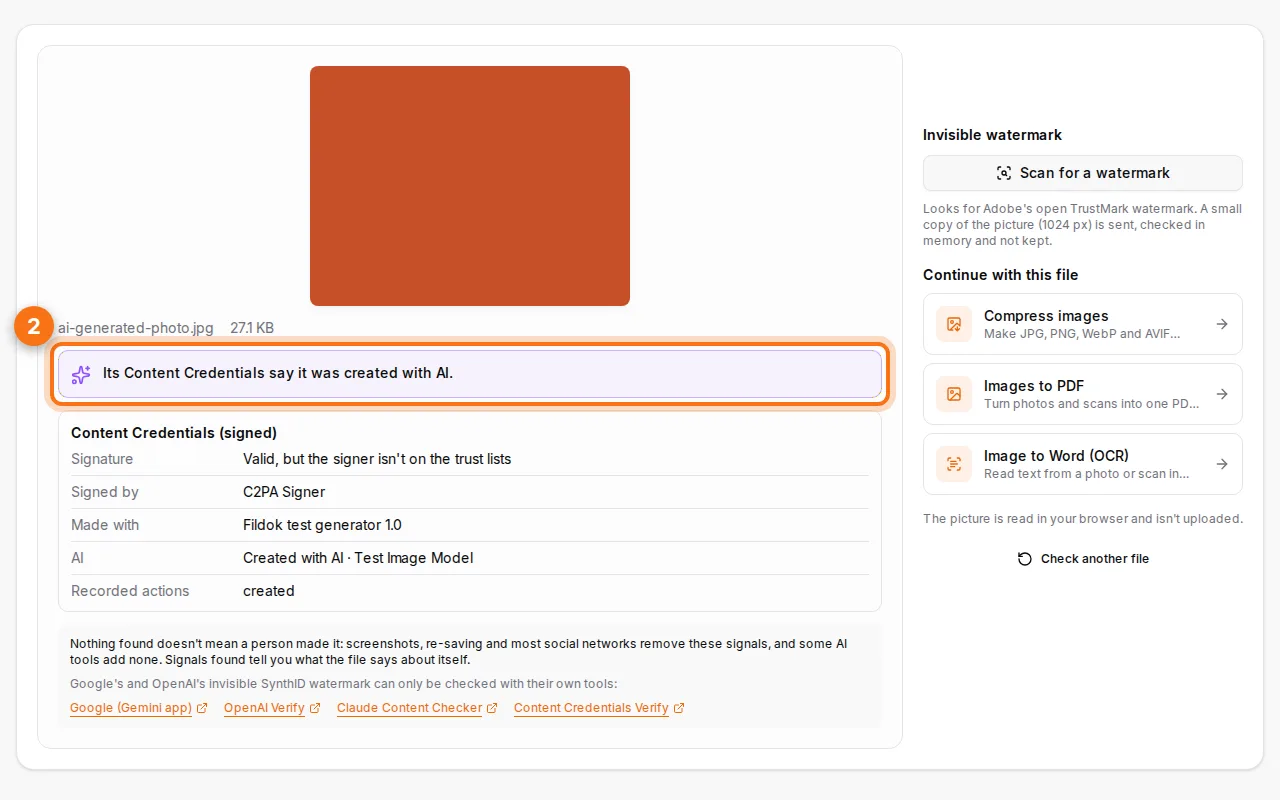
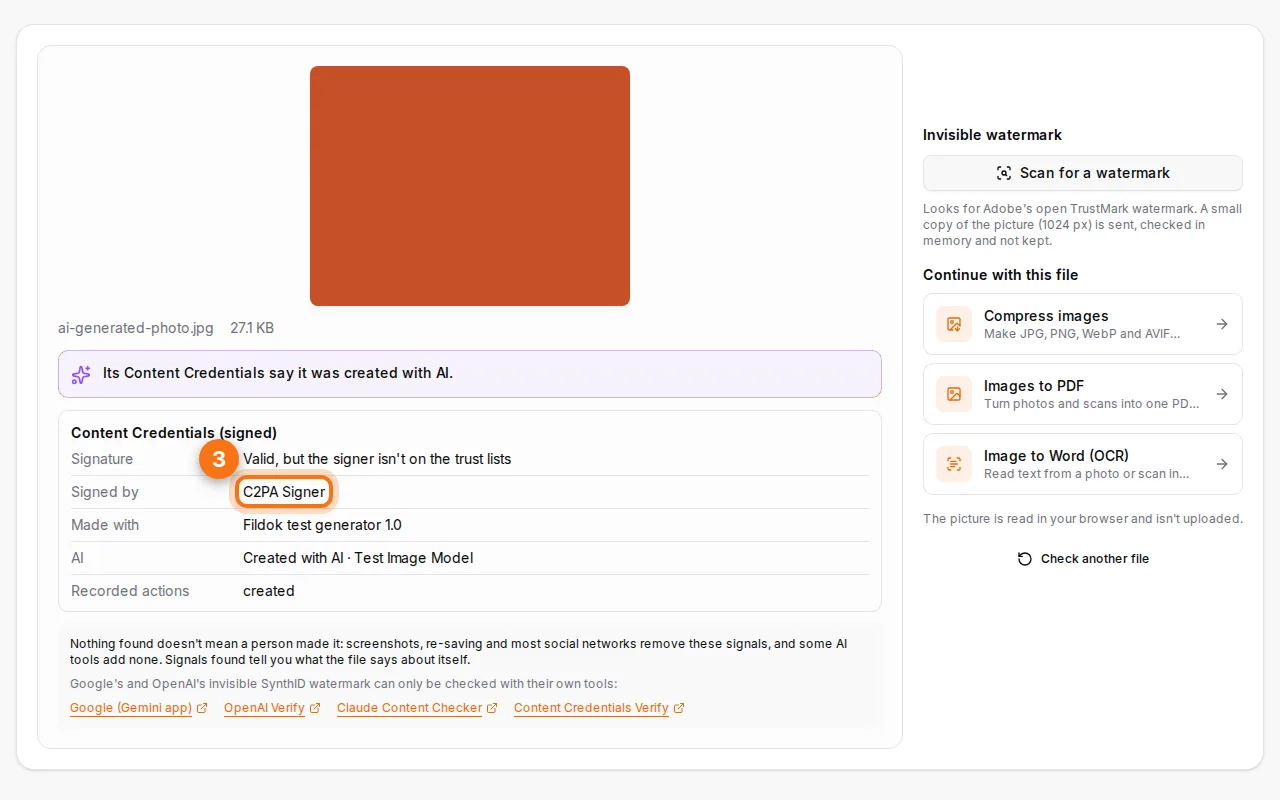
- Look at the details. For signed images you see the signer, the date, the tool used, whether the signature is valid and on the trust lists, and the history of edits.
- Optional: deep scan. The watermark scan sends a small copy of the picture (1,024 pixels at most) to look for an invisible TrustMark watermark, which can survive screenshots and re-saving. Nothing is kept.
What are Content Credentials (C2PA)?
Content Credentials are a signed record attached to a file, a bit like a tamper-proof label. Adobe Firefly, OpenAI's image tools, Microsoft Designer, many cameras (Leica, Sony, Nikon) and some phones add them. They say which tool made the picture, when, and what was changed, and the signature breaks if someone alters the file or the record.
The checker validates the signature against the official C2PA and Content Authenticity Initiative trust lists:
- Valid, from a signer on the trust lists: the strongest answer you can get.
- Valid, but the signer isn't on the trust lists: the record is intact, but anyone can sign with their own certificate.
- Broken: the file or the credentials were changed after signing.
AI tags and generator settings
Besides signed credentials, many images carry unsigned clues:
- the IPTC "digital source type" tag, which says trained algorithmic media for AI images;
- the settings left by Stable Diffusion tools (Automatic1111, ComfyUI), NovelAI or Midjourney: prompt, model, seed.
These are useful, but anyone can add or remove them, so the checker labels them as unsigned.
What the checker can't tell you
- Nothing found ≠ made by a person. Screenshots, social media uploads and most editing apps remove credentials and tags. Most images online carry none.
- Some watermarks need the vendor's own verifier. Google's SynthID (Gemini, Imagen) and OpenAI's watermarks can only be read by their makers. The checker links to their official verification pages.
- No "percentage of AI" guess. Tools that claim to detect AI from the pixels alone are often wrong both ways. Fildok only reports what the file itself proves.
A practical checklist
- Run the checker on the original file (not a screenshot).
- If nothing is found, try the vendors' verifiers linked in the result (Gemini, OpenAI).
- Look for the source: a reverse image search often finds the first place the picture appeared.
- Check the details: hands, text in the picture, reflections and shadows are still common AI giveaways.
- For documents, use the AI PDF checker, which reads credentials in the PDF and in its pictures.
Keep the credentials on your own pictures
If you publish pictures with Content Credentials, know that re-saving them with most tools, including resizing and compressing, removes the credentials. Fildok's image tools tell you when a picture you add carries credentials that the result won't keep.
FAQ
Is the AI image checker free?
Yes, with no account and no limit.
Is my image uploaded?
No, it's read in your browser. Only the optional deep scan sends a small copy, which is not stored.
Can it detect ChatGPT or Midjourney images?
Images from OpenAI tools usually carry Content Credentials, which the checker reads. Midjourney may leave its settings in the file. Once an image is screenshotted or re-uploaded, those clues are often gone.
Can I check text for AI?
Text watermarks aren't hidden characters, and no tool can reliably read them. The invisible characters tool finds hidden Unicode characters in copied text, which is a different thing.