How to Write an Amount in Words (Cheques, Invoices)
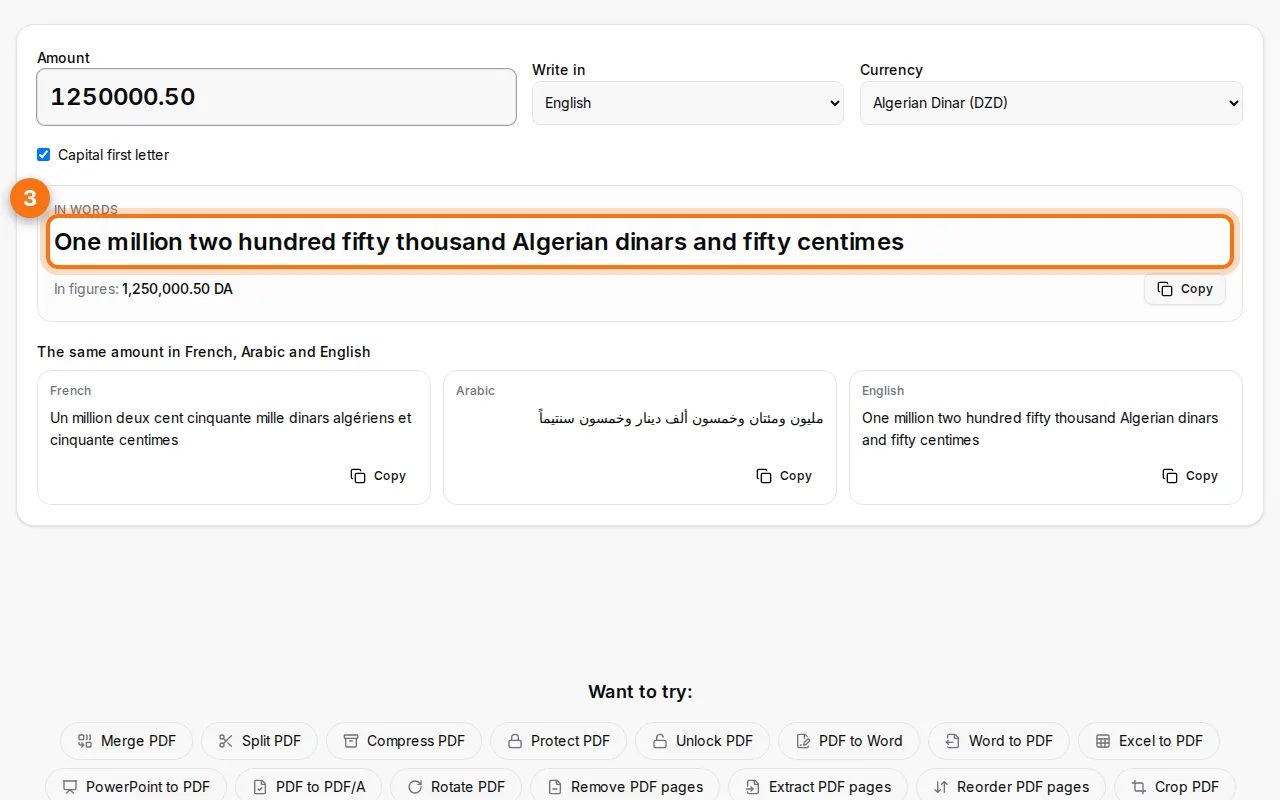
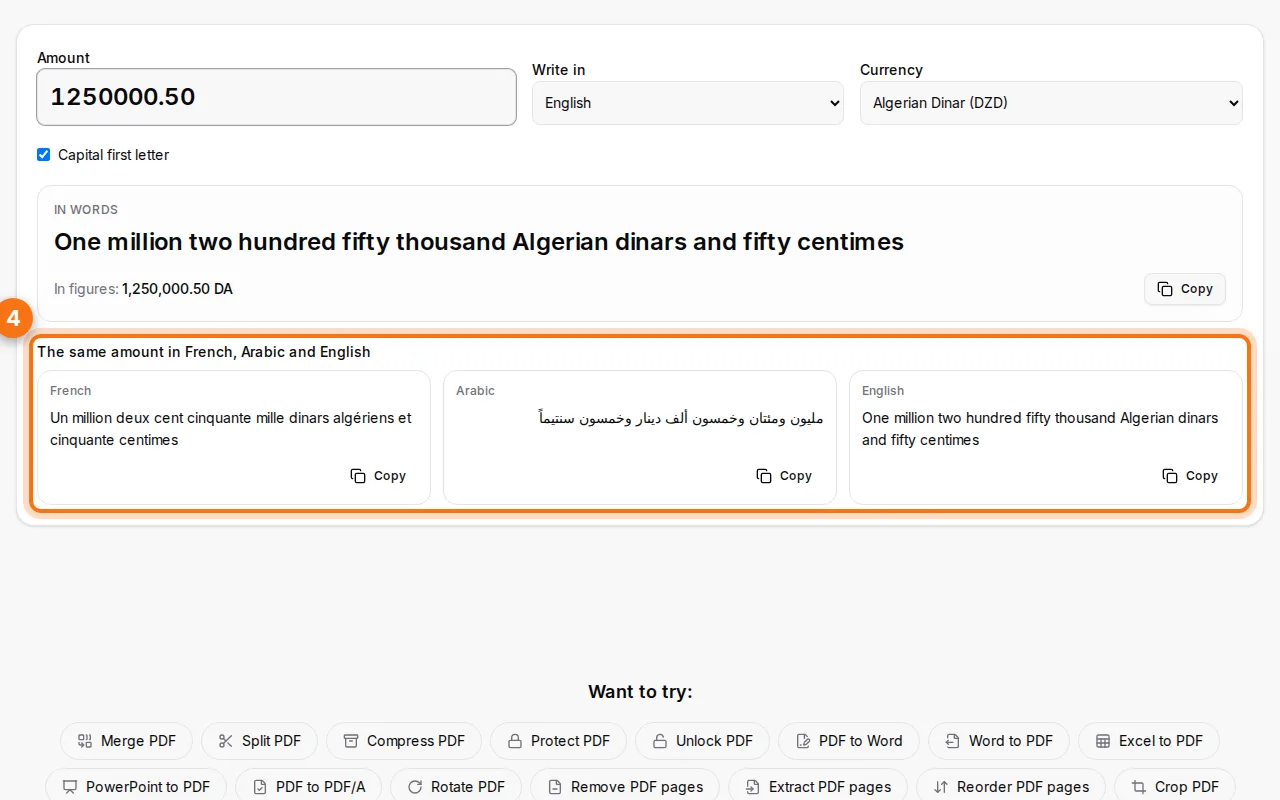
To write an amount in words, type the number in the Fildok amount in words tool, pick the currency and the language, and copy the result. For example, 1,250,000.50 DZD becomes "One million two hundred fifty thousand Algerian dinars and fifty centimes". It works for any currency and 86 languages, and shows the same amount in French, Arabic and English side by side, which is handy for cheques and invoices in the Maghreb.
Below you'll find how the tool works, the rules for writing amounts correctly, and examples for dinars, euros and dollars.
How to convert an amount to words
- Type the amount in figures. Use a comma or a dot for the decimals: "1250000,50" and "1250000.50" both work, and spaces between thousands are fine.
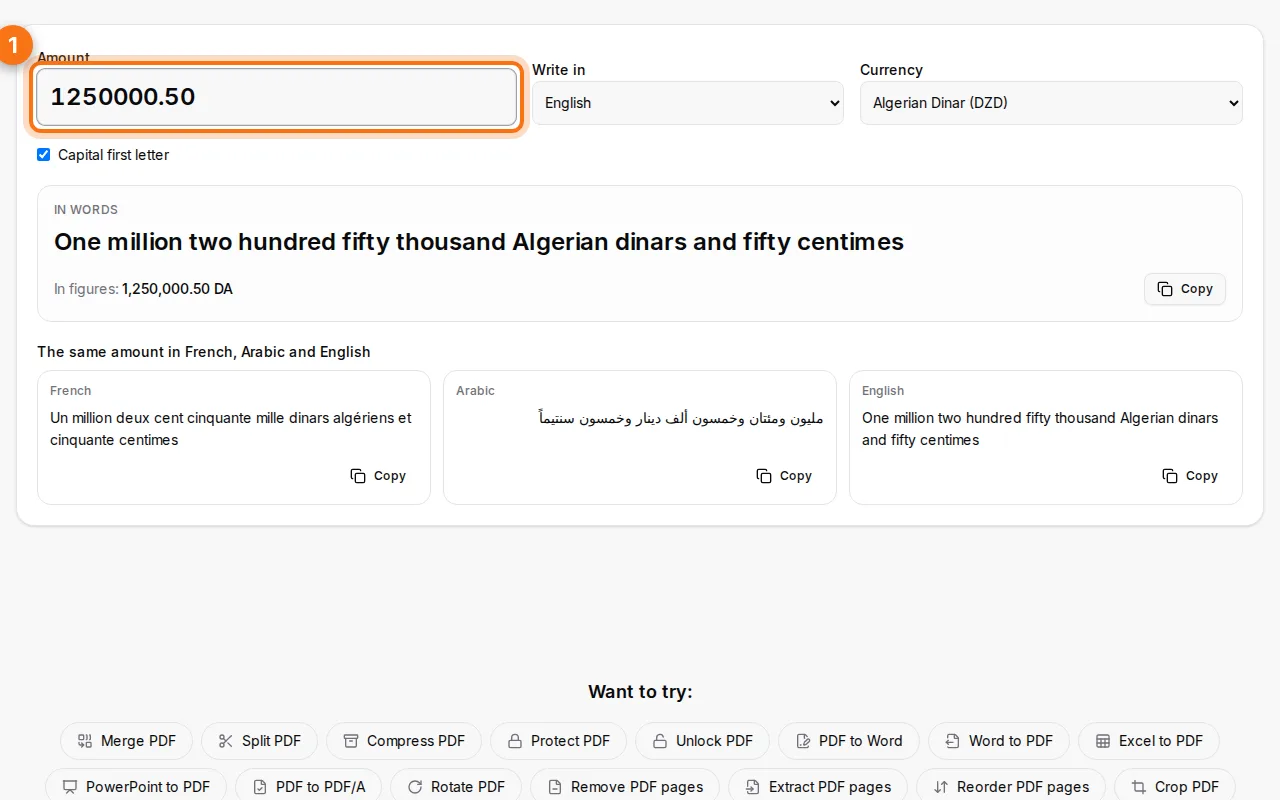
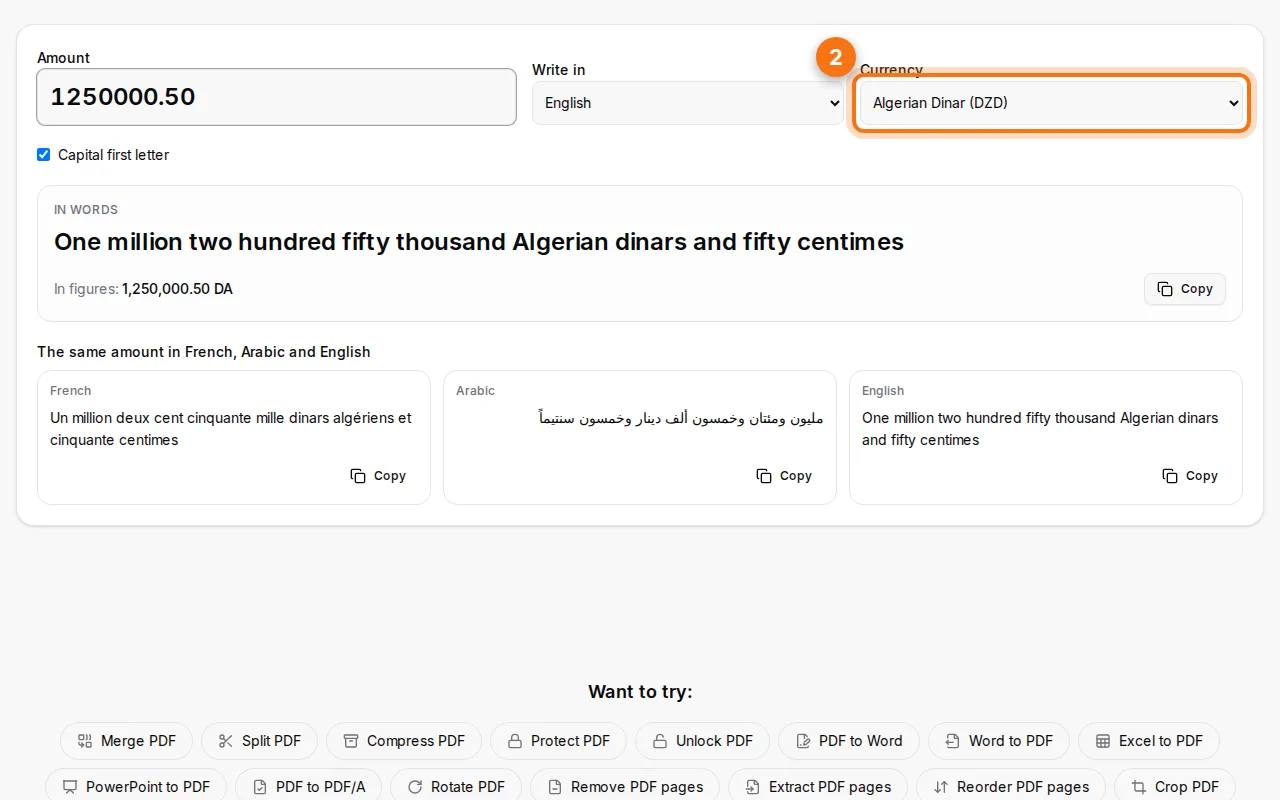
- Choose the currency. The currency decides the words for the units and the fractions: dinars and centimes, euros and cents, dirhams and centimes, dollars and cents.
- Read and copy the result. The amount in words appears as you type. Click Copy to paste it into your cheque, invoice or contract.
- Use the other languages if you need them. The same amount is shown in French, Arabic and English, because many documents in Algeria, Morocco and Tunisia are bilingual.
Why write the amount in words at all?
On a cheque or an invoice, the amount in words protects both sides. Figures are easy to change: a "1" becomes a "7", a zero is added. Words are much harder to alter. That's why, on a cheque, the amount in words is the one that counts if the two don't match. Banks in France, Algeria and elsewhere apply this rule.
Rules for writing amounts correctly
- Write the currency after the number: "three hundred euros", "two thousand Algerian dinars".
- Write the fraction too: "and fifty cents", "et cinquante centimes". Writing the cents in figures ("and 50 cents") is accepted on cheques, but full words are safer.
- Don't leave space at the end of the line on a cheque: draw a line after the words so nothing can be added.
- Match the figures: the amount in the box must be exactly the same as the words.
- Be careful with French numbers: "quatre-vingts" takes an s but "quatre-vingt-un" doesn't; "cent" takes an s in "deux cents" but not in "deux cent un"; "mille" never takes an s. The tool applies these rules for you.
- Arabic has its own grammar: the number and the currency word agree (ألفا دينار, ثلاثة آلاف دينار). The tool writes the correct form.
Examples
| Amount | Words (English) | Words (French) |
|---|---|---|
| 1,000 DZD | One thousand Algerian dinars | Mille dinars algériens |
| 2,500.50 DZD | Two thousand five hundred Algerian dinars and fifty centimes | Deux mille cinq cents dinars algériens et cinquante centimes |
| 80 EUR | Eighty euros | Quatre-vingts euros |
| 1,234.56 USD | One thousand two hundred thirty-four US dollars and fifty-six cents | Mille deux cent trente-quatre dollars américains et cinquante-six cents |
| 15,000 MAD | Fifteen thousand Moroccan dirhams | Quinze mille dirhams marocains |
Amounts on Algerian cheques and CCP cheques
On an Algerian bank cheque or a CCP (Algérie Poste) cheque, the amount is written in dinars, not centimes, even though people often count in centimes in everyday speech. "1 million" in conversation usually means 10,000 DA. Write the real amount in dinars, in figures in the box and in words on the line. The tool always writes the dinar amount, so there's no confusion.
To fill the whole cheque automatically, payee, amount in words and date, use the cheque printer: it prints on real Algerian, Moroccan, Tunisian, French, US and Canadian cheques.
For invoices and contracts
Invoices in Algeria often show the total in words ("Arrêtée la présente facture à la somme de…"). The quote and invoice generator adds it automatically under the totals. For contracts, copy the words from the tool into your document, or write it in the online Word editor.
FAQ
Which languages are supported?
86 languages, including French, Arabic, English, Spanish, German, Italian, Portuguese, Turkish and Russian. French, Arabic and English are shown together for quick bilingual documents.
Does it handle big amounts?
Yes, up to billions and beyond, with the fraction (cents, centimes, millimes) for each currency.
Should the first letter be a capital?
On a cheque either is fine. There's a "Capital first letter" option to switch it on or off.
Is my data sent anywhere?
The common currencies are written in your browser. Rarer language and currency pairs are computed by our server, which doesn't keep the amount.