How to Unlock a Password-Protected PDF for Free
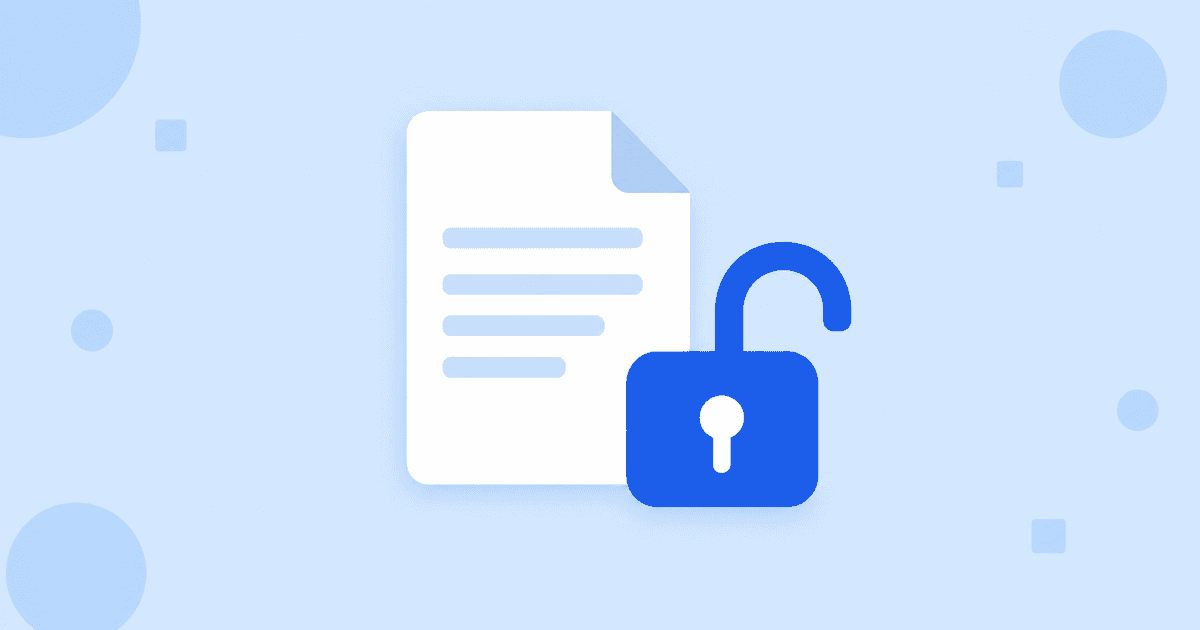
To unlock a password-protected PDF for free, open Unlock PDF, add the file, type its current password and click Unlock PDF. You download a copy that opens without a password. No account is needed, but you do need to know the password: this is a removal tool, not a cracking tool.
How do I remove a password from a PDF?
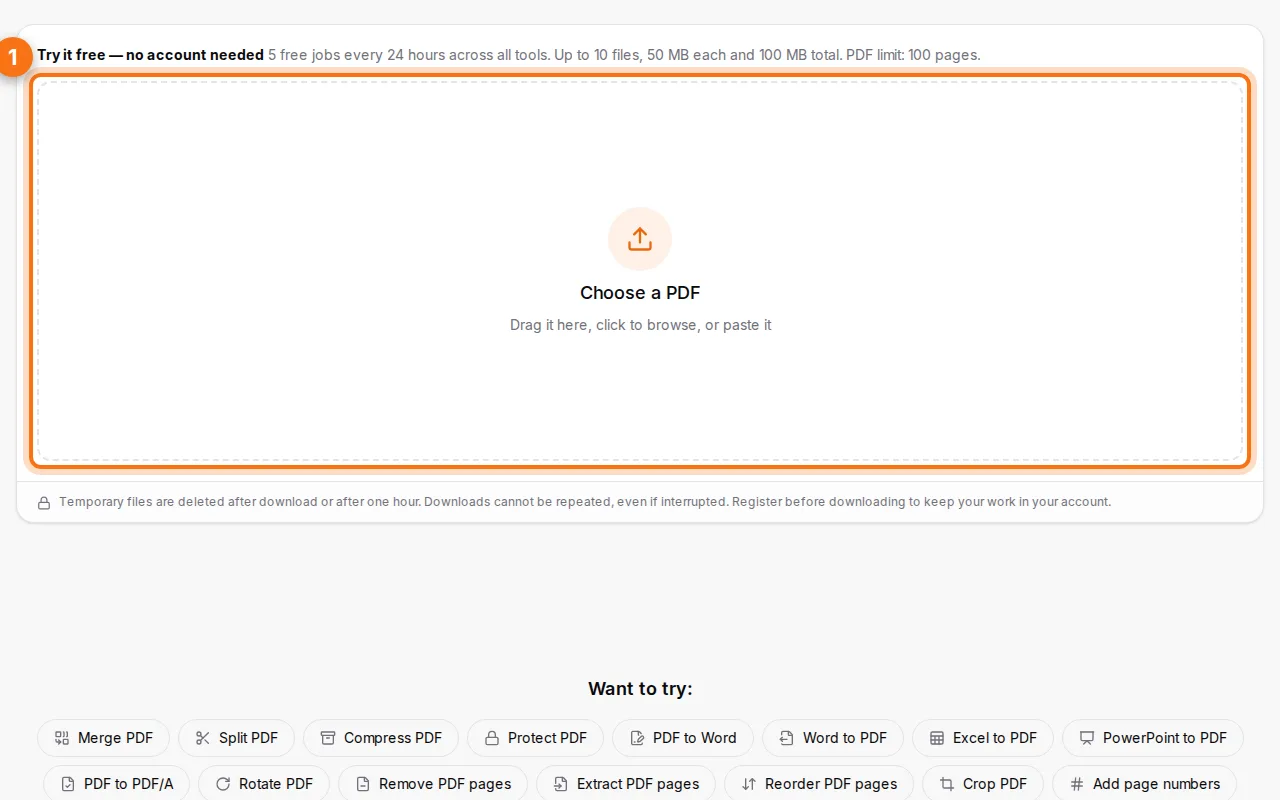
- Open Unlock PDF and choose the protected file.
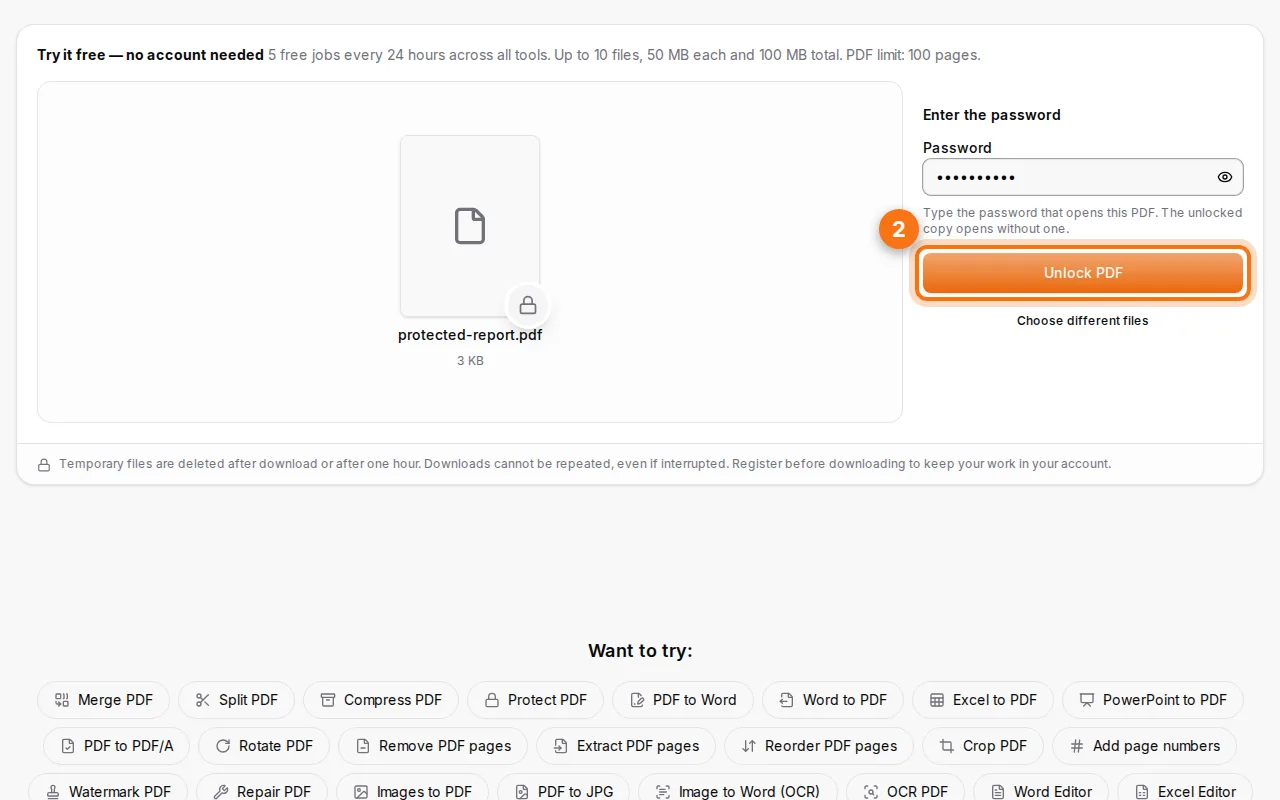
- Type the current password. Either the open password or the owner password works. The tool tells you when it's the right one.
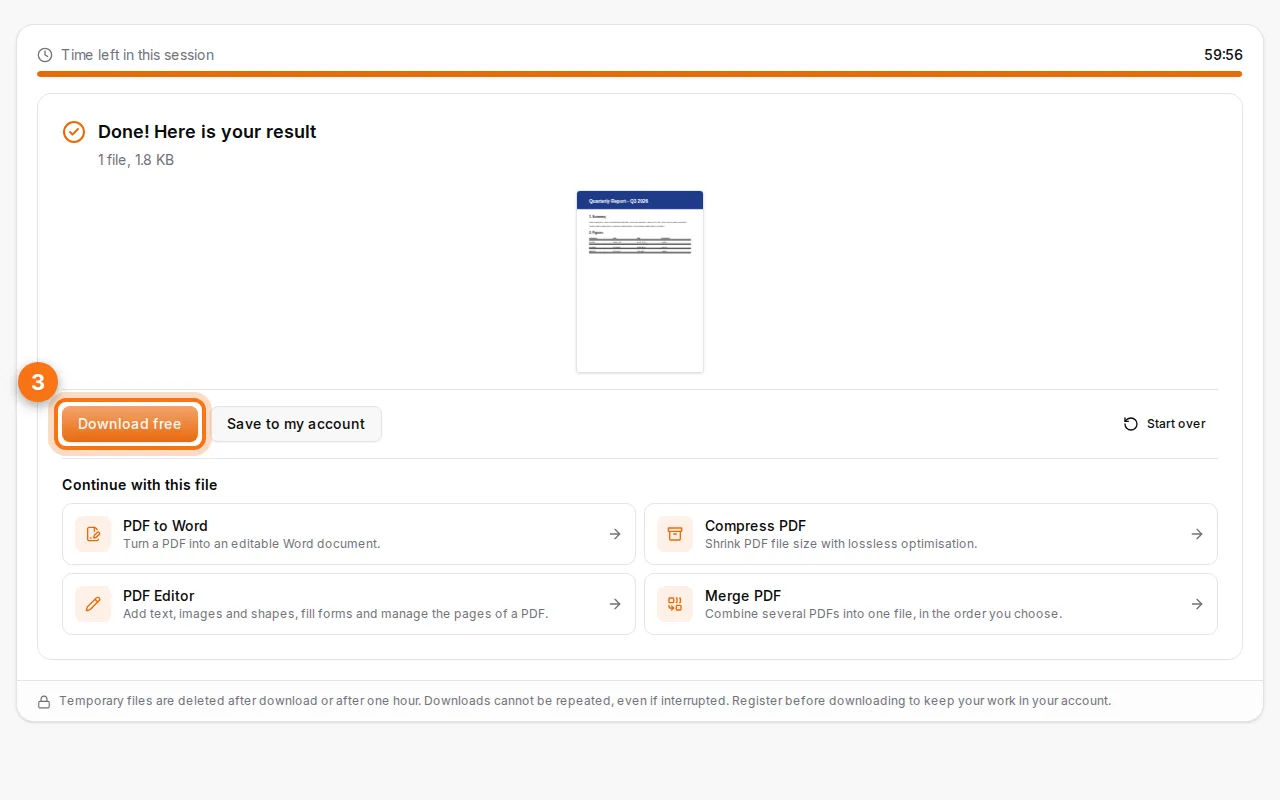
- Unlock and download. The copy you download has no password; your original is unchanged.
I don't know the password. What can I do?
Unlock needs the password: it doesn't try to break or bypass the encryption, and no honest tool can guarantee that. If you've lost it:
- Look where it might be recorded: the email that came with the file, a password manager, a note from the sender.
- If the PDF comes from a system you control (an invoice tool, a report generator), regenerate it without a password.
- If it's someone else's document, ask them for the password or an unprotected copy.
Do I need to unlock a PDF before merging or editing it?
Yes. Merging, editing, splitting and compressing all need to read the pages, which the open password prevents. Unlock with the known password first, then continue: from the result, "Continue with this file" sends the unlocked PDF straight to the next tool.
Can I protect the file again afterwards?
Yes, with Protect PDF once you've finished. See how to password-protect a PDF for choosing a strong password.
Frequently asked questions
Is the unlocked file encrypted at all?
No. Unlock removes the protection entirely. Protect it again before sharing it further if needed.
Does it work on any PDF password?
It works on standard PDF encryption (the kind Fildok's Protect tool and most PDF software produce), with the correct password.
Is there a size limit?
Guests can unlock PDFs up to 50 MB and 100 pages. A free account gives you more room.
Are my files kept?
No. They're deleted after download or after an hour.