How to Edit a PDF Online for Free
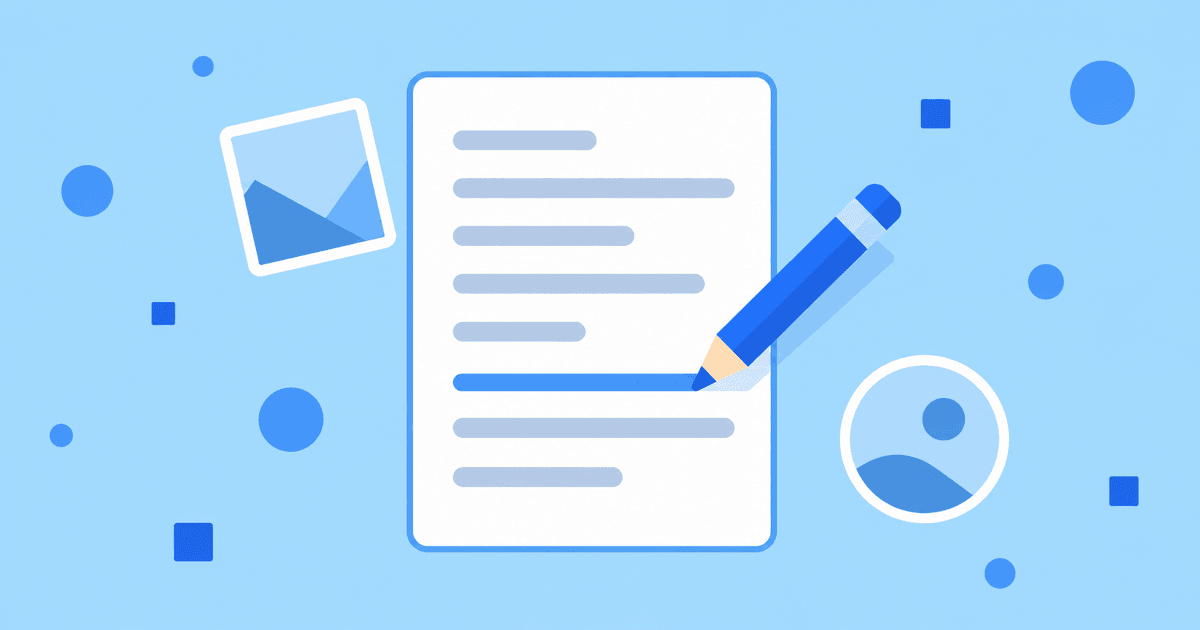
To edit a PDF online for free, upload it to Fildok and double-click it. The file opens in a real PDF editor in your browser, where you can add text boxes, images and shapes, insert, rotate or delete pages, fill in form fields, and redact content — directly on the page, not through a separate conversion step. Save when you're done and the changes are written straight into the PDF.
This is different from the background PDF Tools (merge, split, compress and so on), which run as a job and produce a new file. The PDF editor is a live, in-page editing session, closer to opening a Word document than running a converter.
How do I open a PDF for editing?
- Sign in or create a free account.
- Upload the PDF, up to 50 MB, into any folder.
- Double-click the file. It opens in the PDF editor.
- Make your changes, then use File → Save (or the save icon) to write them back to the file.
The editor autosaves your session as you work, but an explicit save is still the reliable way to commit a change before closing the tab.
What can I actually do inside the editor?
| Tool | What it does |
|---|---|
| Text Box | Adds an editable block of text anywhere on the page — a note, a filled-in blank, a correction. |
| Image | Places an image (a logo, a scanned stamp, a photo) onto the page, resizable and movable. |
| Shape | Draws lines, arrows, rectangles and other shapes — useful for pointing something out or covering a small area. |
| Insert / Rotate / Delete Page | Adds a blank page, turns a sideways page the right way up, or removes a page you don't need. |
| Forms | Adds or fills interactive fields — text inputs, checkboxes — for a document someone else will complete. |
| Redact | Permanently blacks out sensitive text or images before you share the file. |
Each tool is a button in the editor's toolbar; select it, then click on the page to place or draw.
Editing text that's already in the PDF
The tools above work best for adding new content. If the PDF was generated from a document (not a scan) and you need to change existing paragraphs, it's usually faster to edit the source file directly — if you still have the original Word or Excel file, edit it online and export a fresh PDF. For a scanned document with no source file, a text box placed over the old content is the practical fix.
Do my changes create a new file or overwrite the original?
Saving updates the file you opened, in place. If you want to keep the original untouched, duplicate the file first (or download a copy) before you start editing.
Frequently asked questions
Does this work on a scanned PDF?
Yes — you can add text boxes, images, shapes and pages on top of a scan the same way as on a native PDF. If you need the scan's own text to become selectable and searchable, run OCR first.
Is there a size limit?
Uploads are capped at 50 MB per file, and everything you save counts toward your account's storage (a reminder at 100 MB, blocked saves at 250 MB on the free plan).
Can I still merge, split or compress the file after editing it?
Yes. Once you've saved your edits, the file behaves like any other PDF — open its ⋮ menu and use PDF Tools… for merge, split, compress and the rest.
Do I need an account?
Yes, a free one. It takes a few seconds and no card is required.
Try it
Create a free account, upload a PDF and double-click it to open the editor. If you need to fill out and sign a form or redact sensitive information, those use the same editor.